ACTIVE CODES
5 permanent codes. Confirmed working in the latest patch.
Tip: Doloc Town does not have an in-game redemption button. Codes apply at the launcher or in-game mail. If a code stops working, it usually means the dev removed it. The wiki will update the same day.
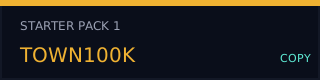
12311
VERIFIEDHat - Wolf Plush
12311 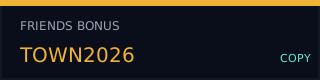
24141
VERIFIEDMusic Disk + Resources
24141 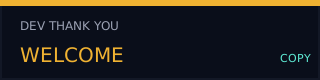
35321
VERIFIEDMusic Disk + Resources
35321 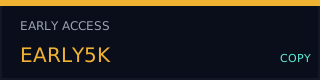
45451
VERIFIEDMusic Disk + Resources
45451 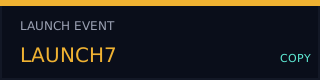
12315
VERIFIEDHat - Music Hat
12315 ▸ HOW TO REDEEM
- Launch Doloc Town from Steam.
- Press ESC to open the menu, then click Settings.
- Find Redeem Code in the account tab.
- Type or paste the code (capital letters, no spaces).
- Restart the game. The reward should appear in your inventory within one in-game day.
▸ STEP-BY-STEP
STEP 1
🎮
Launch game
STEP 2
⚙️
Open Settings
STEP 3
🔑
Redeem Code
STEP 4
🎁
Get reward
▸ FAQ
A code says "invalid".
Check caps lock. Codes are case-sensitive. If it's still failing, the dev probably patched it out — we'll mark it as expired.
Are these permanent?
Yes, every code on this page is permanent. Unlike many games, Doloc Town codes don't expire on a timer.
Where do I report a missing code?
Open the official Discord or email the wiki. We test codes weekly.